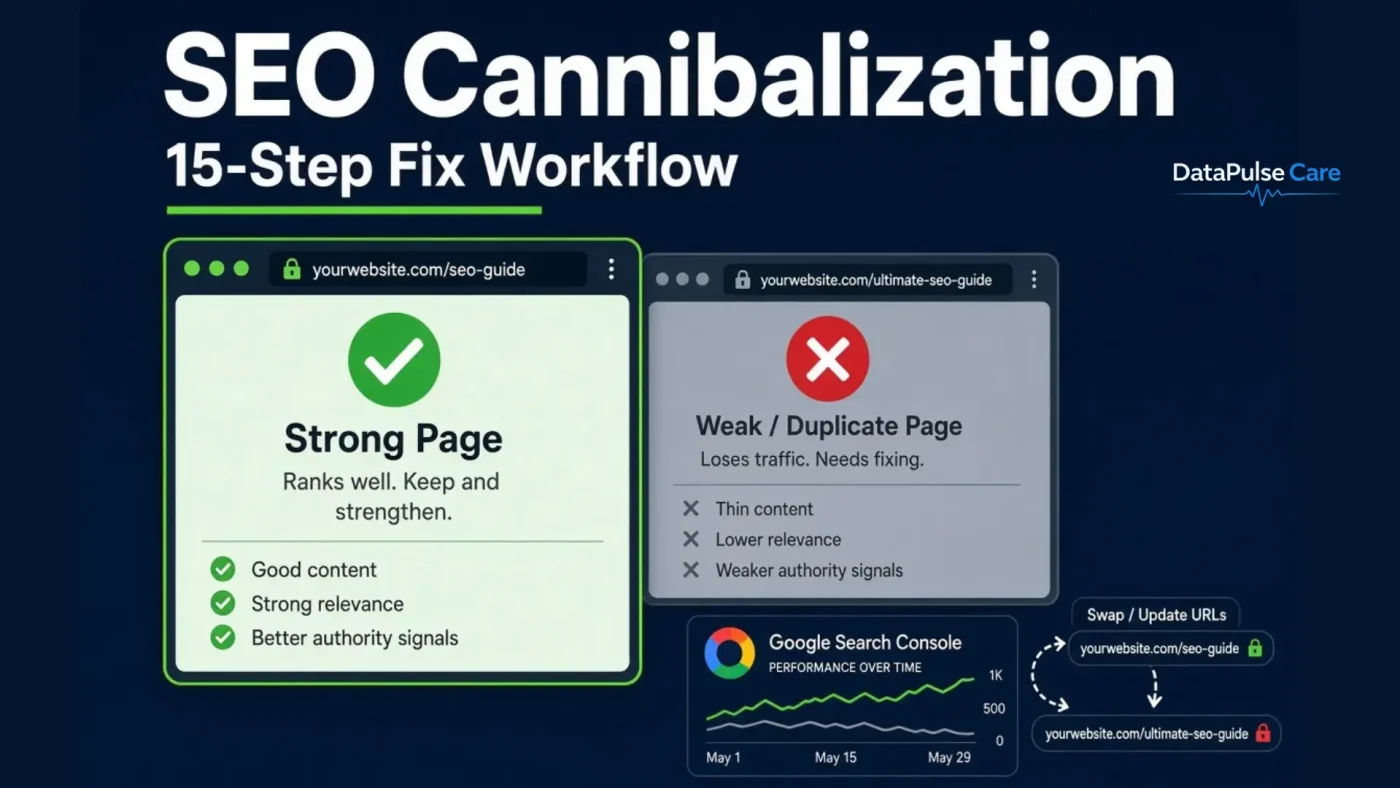
TL;DR
Keyword cannibalization is not “two pages using the same keyword.” It happens when two or more pages target the same search intent, forcing Google to choose between them. The fix is rarely a redirect most cases are solved with intent separation, internal linking, or content consolidation. Redirect only when a page has no independent reason to exist.
What is SEO cannibalization?
SEO cannibalization occurs when multiple pages on the same website compete for the same search intent, causing Google to split relevance, backlinks, and click signals across URLs instead of concentrating them on one. The result is unstable rankings, URL swapping in search results, and lower click-through rates than a single consolidated page would earn.
Key takeaway: One keyword ≠ one page. The real rule is one search intent → one primary page.
Does keyword overlap always mean cannibalization?
No. Two pages can rank for the same keyword and serve entirely different needs. A category page selling running shoes for flat feet and a buying guide explaining how to choose them share a keyword but not an intent. Cannibalization only exists when the intent, audience, and substantial content overlap.
How to fix keyword cannibalization (15 steps)
Step 1 — Start with one keyword and its cluster
Work at cluster level, not keyword level. For large datasets, group semantically similar queries first so you investigate 200 clusters instead of 100,000 keywords.
Step 2 — Find which pages currently rank
Run a site search to surface candidate URLs:
site:yourdomain.com "running shoes for flat feet"
Open every URL. Do not assume overlap from the SERP alone.
Step 3 — Classify the intent of each page
| URL Page type Primary purpose Intent | |||
|---|---|---|---|
| /running-shoes | Category | Full catalogue | Commercial |
| /running-shoes-for-flat-feet | Category | Segment catalogue | Commercial |
| /blog/best-running-shoes | Blog | Buying guidance | Informational |
Different intent → keep separate. Same intent → investigate further.
Step 4 — Validate with Google Search Console
Google Search Console provides performance data that can help you compare queries, clicks, impressions, CTR, and average position across pages.
Filter by query, then compare URLs:
| URL Clicks Impressions Avg. position | |||
|---|---|---|---|
| /page-a | 120 | 4,000 | 8.2 |
| /page-b | 75 | 2,800 | 11.4 |
| /page-c | 12 | 900 | 24.1 |
The clearest cannibalization signal is URL flipping: the same query returning different URLs across weeks.
Step 5 — Confirm cannibalization with six checks
Same intent? Same topic? Same audience? Substantial content overlap? Does Google swap URLs for the query? Is one page clearly stronger? Three or more “yes” answers means real cannibalization.
Step 6 — Select the target page
Evaluate candidates in this priority order:
- Search intent match
- Existing organic performance (clicks, not just position)
- Content quality and depth
- Backlink profile
- Internal link equity
- URL relevance
- Business and conversion value
Step 7 — Choose one of four actions
Keep separate (different intent) · Internal linking (related but distinct) · Consolidate (heavy overlap) · 301 redirect (page has no standalone purpose).
Step 8 — Consolidate the content
Merge the genuinely useful sections from the weaker pages into the target page so it becomes the most complete answer for that intent. Consolidate before you redirect, never after.
Step 9 — Redirect only when justified
Apply a 301 only if all four are true: intent matches, content is already merged, the old URL adds no unique value, and the user lands somewhere better. A shared keyword alone is not a reason to redirect.
Step 10 — Optimize the target page
Align the title, URL, H1, and introduction with the chosen intent. A broader technical SEO audit can also help identify related indexing, content, and structural issues.
Step 11 — Build a hub-and-support link structure
Supporting pages link up to the target; the target links back down to relevant supporting pages. Bidirectional linking clarifies hierarchy for crawlers and AI systems alike.
Step 12 — Vary your anchor text
Rotate natural variations — “shoes for flat feet,” “supportive running shoes,” “running footwear for overpronation” instead of repeating one exact-match anchor sitewide.
Step 13 — Create a new page when none fits
If no existing URL satisfies the intent, build a purpose-made page. Before creating a new page, a landing page audit can help determine whether an existing page can be improved instead.
Step 14 — Monitor in GSC after implementation
Track clicks, impressions, CTR, average position, indexation status, and the query-to-URL relationship. Allow 4–8 weeks before judging results.
Step 15 — Maintain a master sheet
Track: Keyword · Cluster · Intent · Ranking URLs · Primary URL · Intent match · Content overlap · Cannibalization status · Action · Anchor text · Redirect required · Status · GSC before/after.
How do you scale this across 100,000+ keywords?
Split the work into three levels instead of auditing keywords one by one:
- Clustering — group queries by semantic similarity and SERP overlap
- Detection — flag clusters where two or more of your URLs appear
- Action — consolidate, link, redirect, or create
Only clusters flagged at Level 2 need manual review, which typically reduces a six-figure keyword set to a few hundred decisions.
FAQ
Is keyword cannibalization a Google penalty?
No. It is a relevance and signal-dilution problem, not a manual action or algorithmic penalty.
How long until rankings recover after consolidation?
Typically 4–8 weeks, depending on crawl frequency and the size of the consolidated page.
Should I delete the old page instead of redirecting?
Only if it has no traffic, no backlinks, and no internal links. Otherwise a 301 preserves the equity.
Can a blog post and a product page both rank for the same keyword?
Yes when they satisfy different intents. That is intent coverage, not cannibalization.
Which tool detects cannibalization fastest?
Google Search Console. Filter by query and check whether the ranking URL changes across time periods.

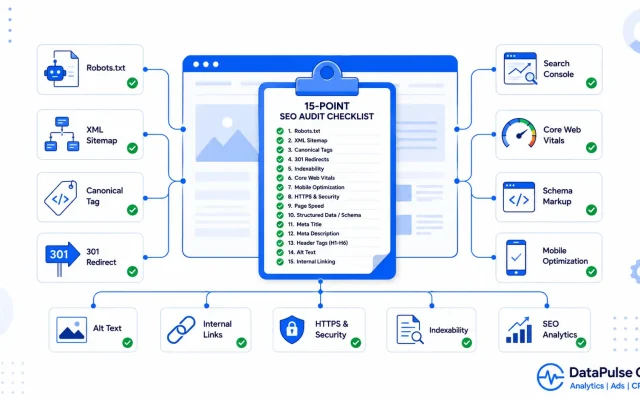
[…] Clear mapping means each page has one job, and your own pages stop competing for the same query. (If they already are, see our SEO cannibalization workflow.) […]