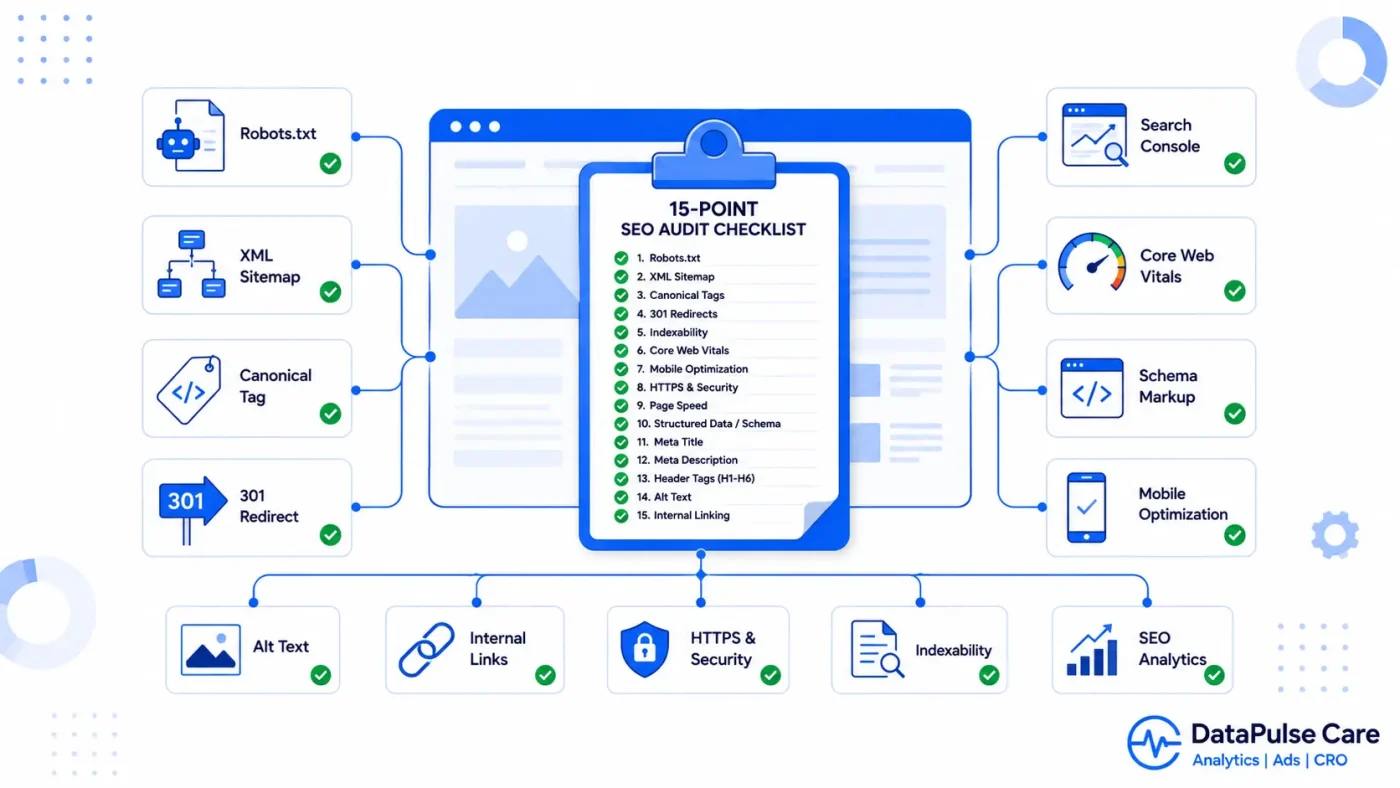
Content and backlinks get most of the attention in SEO conversations, but technical issues are what quietly cap a site’s ranking potential before content even gets a fair chance. Here’s the 15-point pass we run before touching a single word of copy.
Crawlability
- Robots.txt isn’t blocking anything important. A single misplaced
Disallow: /left over from a staging site can silently deindex an entire domain. Check it directly at yourdomain.com/robots.txt. - XML sitemap exists, is submitted, and is accurate. It should only contain canonical, indexable URLs no redirects, no 404s, no noindexed pages mixed in.
- No orphan pages. Every important page should be reachable through internal links, not just the sitemap. Pages with zero internal links are harder for Google to find and rank.
- Crawl budget isn’t wasted on junk URLs. Faceted navigation, session IDs, and internal search result pages can generate thousands of near-duplicate URLs that eat crawl budget meant for real content.
Indexing & canonicalization
- Canonical tags point to the right URL, not a default self-reference on every variant. Especially check filtered/sorted product listing pages.
- HTTP and HTTPS, www and non-www resolve to one version. All four variants should 301 redirect to a single canonical version never serve duplicate live content on more than one.
- No accidental noindex tags. These frequently get left on by a developer during a redesign and never removed before launch.
Core Web Vitals & performance
- Largest Contentful Paint (LCP) under 2.5s. Usually the hero image or a render-blocking font/script — check via PageSpeed Insights on an actual mobile connection, not just desktop wifi.
- Cumulative Layout Shift (CLS) under 0.1. Common cause: images or ads without explicit width/height attributes, causing content to jump as the page loads.
- Interaction to Next Paint (INP) under 200ms. Heavy JavaScript execution on click often third-party chat widgets or tracking scripts is the usual culprit.
Structured data
- Schema markup validates without errors in Google’s Rich Results Test Organization, Article, Product, or FAQPage depending on the page type.
- Breadcrumb schema matches the visible breadcrumb on the page mismatches can cause Google to ignore both.
Mobile & accessibility
- Mobile usability report is clean in Google Search Console no “text too small” or “clickable elements too close together” warnings.
- Every image has descriptive alt text — helps both accessibility and image search visibility, and is one of the most commonly skipped basics.
Internal linking
- Your most important pages get the most internal links, not your least important ones. It’s common to find a site’s contact page has more internal links pointing to it than its actual money pages, simply because it’s in every footer.
Where to start if this feels like a lot
Points 5, 6, and 9 (canonicalization, domain consolidation, and CLS) tend to have the largest ranking impact relative to the effort to fix them, and they’re usually the first three things worth checking on any site that hasn’t had a technical audit in over a year.


[…] the title, URL, H1, and introduction with the chosen intent. A broader technical SEO audit can also help identify related indexing, content, and structural […]
[…] the sake of it. The question is: is there evidence that a technical issue caused this loss? (Our 15-point technical SEO audit checklist covers the full […]