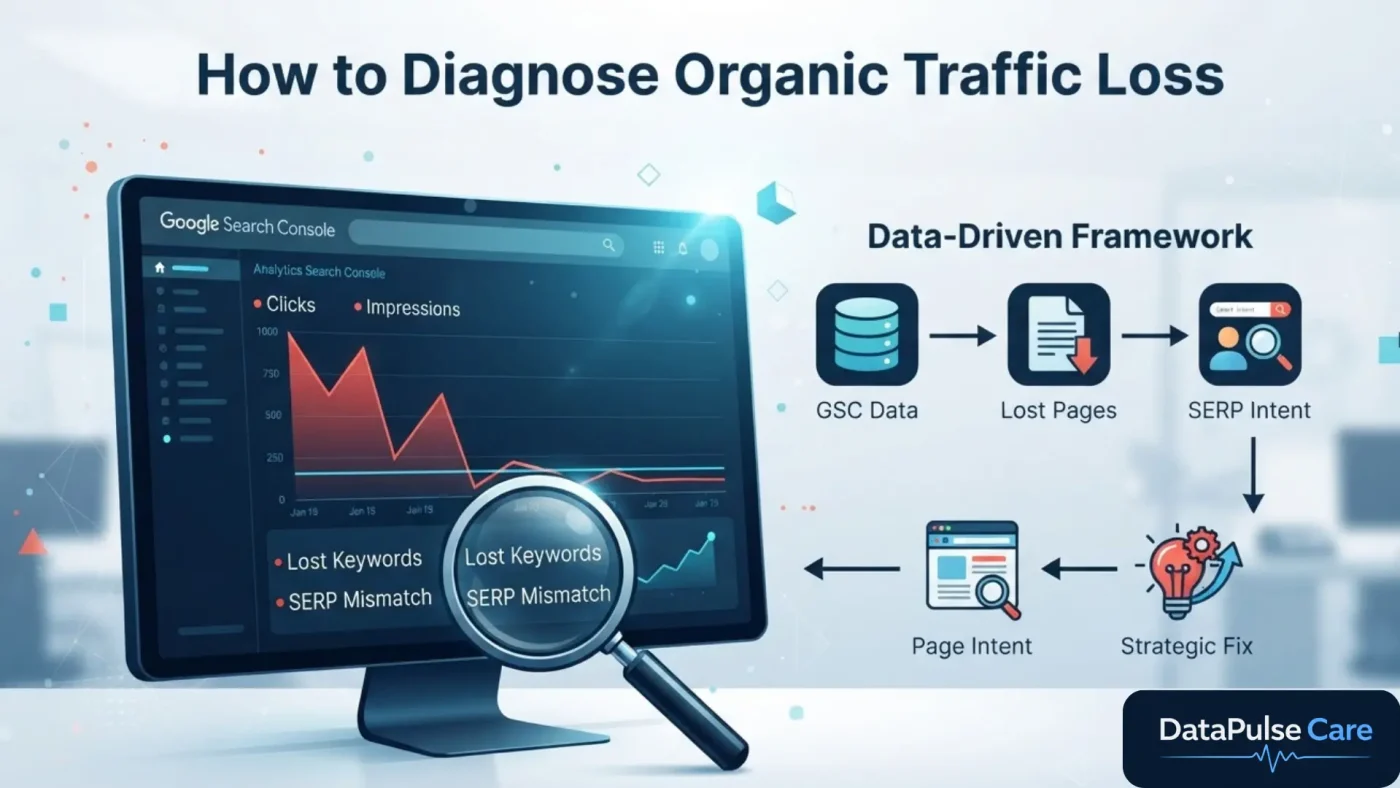
When organic traffic drops, most teams go straight to technical checks: robots.txt, sitemap, canonicals, indexing.
Those checks matter. But on most accounts we audit, they aren’t the cause.
More often, Google’s view of the query has changed. The SERP now favours a different kind of page, and the URL that used to rank is no longer the right fit.
Below is the process we used on a recent industrial-distributor account. It shows how we find what was lost, why it was lost, and which page should rank from now on.
The Workflow at a Glance
GSC data → Lost pages → Lost keywords → Technical validation
→ SERP intent → Page intent → Intent mismatch → Redirect check
→ Keyword-to-page mapping → Content plan → Internal linking
Every step answers one question before we move to the next. We don’t change anything on the site until the data tells us what to change.
1. Start in Google Search Console, Not the CMS
We compare the current period with the previous one on four metrics: clicks, impressions, CTR and average position. We look at them by query and by page.
The only goal at this stage is to answer: where exactly did visibility drop?
A sitewide decline is often driven by a handful of URLs. On this account, one product page accounted for most of the lost impressions while the rest of the site held steady. Sitewide fixes would have missed the actual problem.
2. Isolate the Pages That Lost Traffic
For each affected URL, the pattern of the drop tells us where to look next:
| Pattern | Likely Direction |
|---|---|
| Clicks ↓ + Impressions ↓ | Ranking or visibility loss |
| Impressions stable, Clicks ↓ | CTR problem, or SERP features taking clicks |
| Impressions ↓, Position stable | Query mix changed. Needs query-level analysis |
| Impressions → zero | Redirect, removal, deindexing or canonical shift |
A traffic drop doesn’t automatically mean a technical problem. The pattern tells you where to dig.
3. Break It Down to Lost Keywords
Knowing that a page lost traffic isn’t enough to act on. We need to know which queries it lost.
For each query we compare clicks, impressions and position between the two periods. Then we group them by type:
- Brand / model: a specific product or model number
- Commercial: “automatic backwash water filter”
- Category: “industrial filtration equipment”
- Informational: “how does a backwash filter work”
- Noise: anomalous or irrelevant strings
These groups decide the page type in step 9.
4. Validate Technical SEO Before Rewriting Anything
We check that the page is healthy before we form an intent theory:
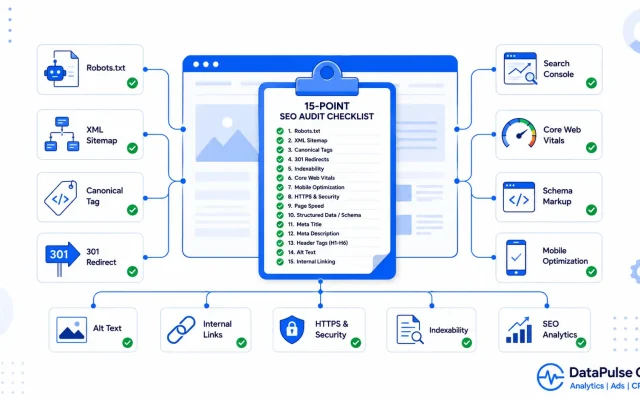
HTTP status · indexability · robots.txt · meta robots · canonical · sitemap inclusion · HTTPS · redirects · internal links · structured data
We aren’t hunting for issues for the sake of it. The question is: is there evidence that a technical issue caused this loss? (Our 15-point technical SEO audit checklist covers the full list.)
If the page returns 200, is indexable, canonicalised correctly, crawlable and in the sitemap, the cause is most likely somewhere else. On this account, the product page passed every check.
5. Read the Current SERP
A keyword alone doesn’t tell you what Google wants to rank. The SERP does.
We record the ranking page types, SERP features (AI Overviews, Shopping, People Also Ask, video, local), and the titles and descriptions of the results.
The key question: what type of page is winning? Is it category pages, buying guides, manufacturer sites, or individual products?
For our client’s main commercial keyword, the top results were almost all category and solution pages. Very few single-product pages ranked.
6. Compare SERP Intent With Page Intent
This is where we usually find the real cause.
- Product page: helps a user evaluate or buy one model.
- Category page: helps a user compare several solutions.
If Google ranks mostly category pages for a query, pushing a product page to rank for it won’t work, no matter how well it’s optimised. The page wasn’t broken. It was the wrong type of page for that query.
7. Separate Confirmed Findings From Possible Causes
This is what makes an analysis defensible.
- Confirmed (measured in GSC): impressions fell, position declined, CTR dropped.
- Possible (observed, not proven): the current SERP shows AI Overviews and Shopping results.
Without historical SERP data, we don’t write “AI Overviews caused the drop.” We write “The current SERP includes AI Overviews and Shopping results, which may reduce organic click share.”
How Search Console measures clicks, impressions and position
Clients act on recommendations they can trust. Overstating causes damages that trust.
8. Check Redirects With Real URLs
When a URL drops to zero impressions, we trace source → redirect → destination and check:
- Did the source URL actually get organic traffic, and for which queries?
- Is the destination relevant to the same intent?
- Did the destination pick up the lost impressions?
We don’t assume that because a redirect exists, it caused the loss. We verify it in GSC.
9. Map Every Keyword to the Right Page Type
| Keyword Type | Intent | Target Page |
|---|---|---|
| Product / model | Transactional | Product page |
| Category | Commercial | Category page |
| Solution | Commercial investigation | Category / solution page |
| “How does…” / “What is…” | Informational | Guide / blog |
| “X vs Y” | Commercial investigation | Comparison guide |
Clear mapping means each page has one job, and your own pages stop competing for the same query. (If they already are, see our SEO cannibalization workflow.)
10. Optimise Existing Pages Before Creating New Ones
Before we recommend a new URL, we check the site’s current structure:
Filtration & Separation → Water Filtration → Water Treatment Systems → ProductsIf a relevant category page already exists, we strengthen it. Otherwise you end up with thin, overlapping pages.
We create a new page only when there’s a real gap in intent or site architecture, not just because a keyword isn’t mentioned anywhere yet.
11. Connect Everything With Internal Links
Each page gets a clear role, and internal links connect them:
Guide (learn) → Category (evaluate) → Product (select)- Guide → Category: “Explore our automatic backwash filtration systems”
- Category → Product: “View the [model] backwash filter”
- Product → Category: “Compare more water treatment systems”
This gives users a clear path from learning to buying. It also shows Google how the pages relate to each other.
What the Client Actually Did
The product page was never rewritten. The fix was:
Keep the product page → optimise the existing category page for commercial intent → add a supporting guide for informational queries → build internal links → monitor in GSC.
The Takeaway
A page can be technically perfect, include the keyword and have full schema, and still lose visibility because it’s no longer the type of page the query calls for.
Recovery doesn’t mean forcing one URL to rank for everything. It means getting the right page to rank for the right intent.
Seeing a drop you can’t explain?
We’ll audit your actual GSC data to find which pages and queries lost visibility, and why. You get a clear plan, not guesswork.
Related: SEO Strategy Services · CRO & Reporting

Leave a Reply